Open Source Chrome Extension
The browser is your filesystem.
Browse the web with Linux commands. AI agents use ls, cd, grep, click via MCP. Terminal in Chrome Side Panel.
Open Source Chrome Extension
Browse the web with Linux commands. AI agents use ls, cd, grep, click via MCP. Terminal in Chrome Side Panel.
39+
Commands
27%
Fewer Tool Calls
4x
Batch Efficiency
MIT
License
DOMShell maps the browser's Accessibility Tree into a virtual filesystem that AI agents already understand.
A real terminal emulator in Chrome's Side Panel. Navigate pages with familiar Unix commands — no screenshots or coordinates needed.
ls cd pwd cat tree grep
39 MCP tools exposed over HTTP. Connect Claude, Cursor, or any MCP-compatible agent to browse the web autonomously.
localhost:3001/mcp
Manage multiple tabs as directories. Run commands across all open tabs with a single each command.
tabs each cd ~/tabs/
Run arbitrary JavaScript on any page. Extract data, call APIs, manipulate the DOM — the escape hatch for anything the shell can't do natively.
js eval
Discover page-level JavaScript functions automatically. Call them directly without reverse-engineering the source.
functions call
Record and replay workflows. Watch for DOM changes. Loop over elements with for and automate repetitive tasks.
script watch for
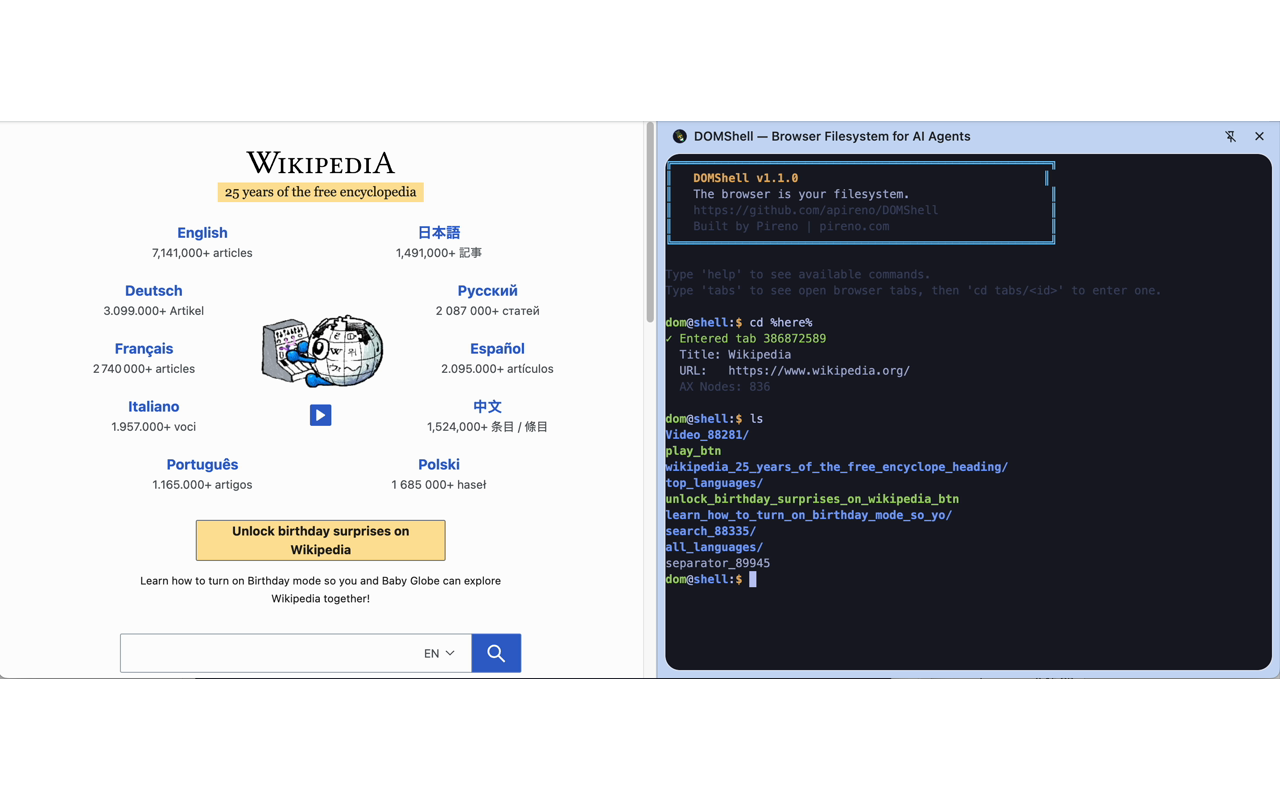
Browsing page structure with ls
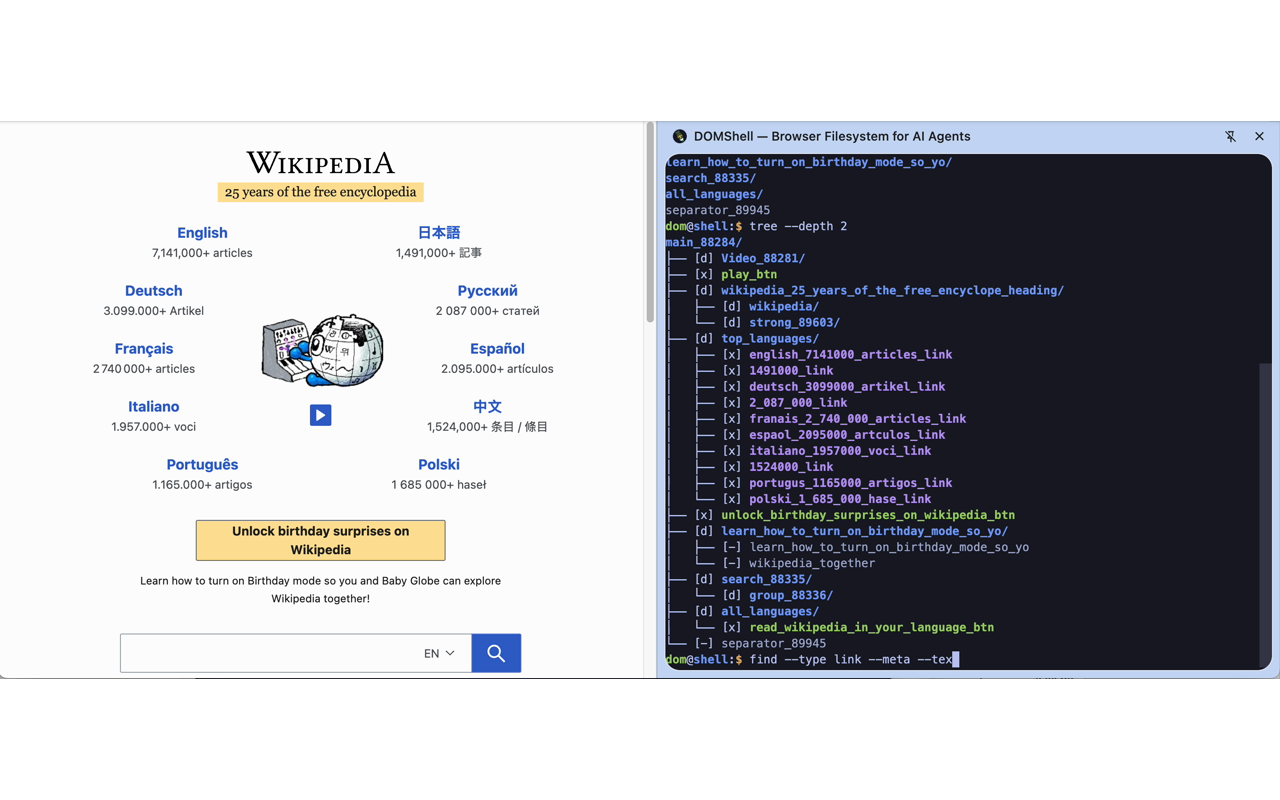
Viewing DOM hierarchy with tree
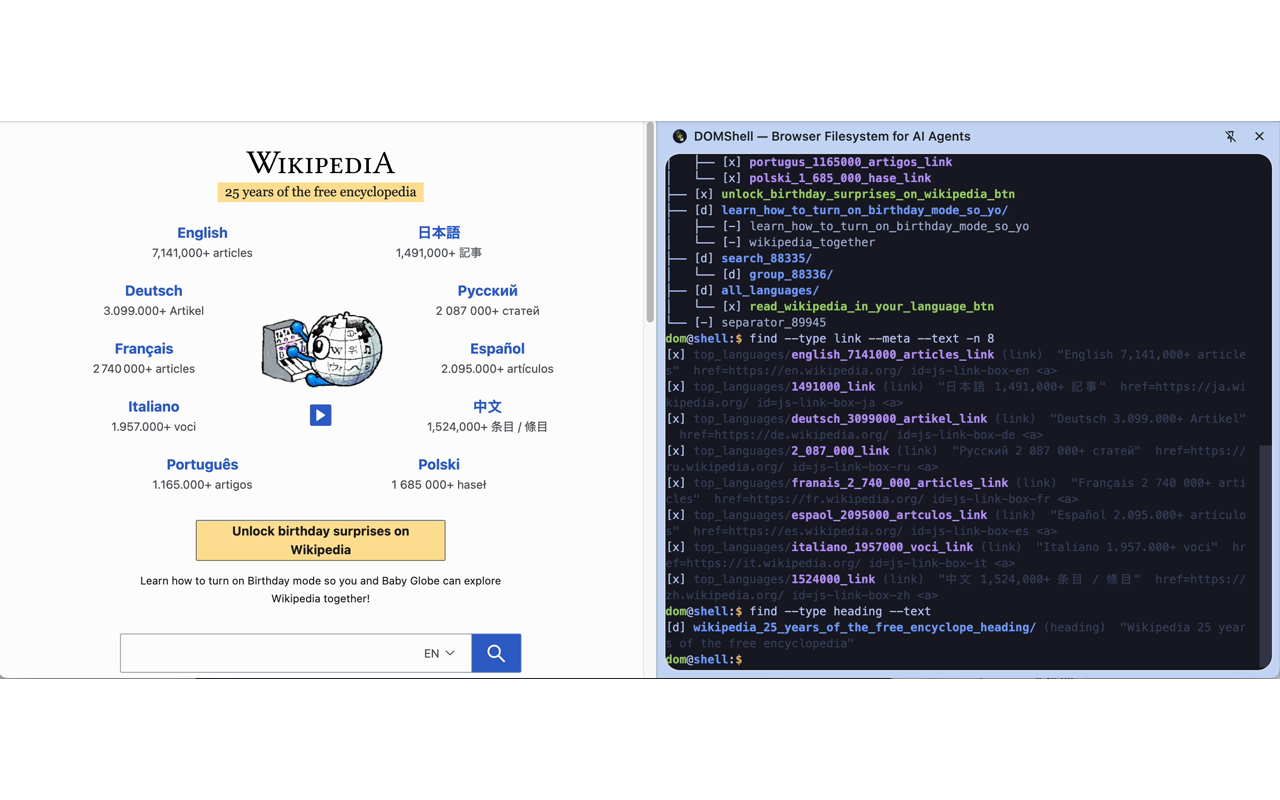
Extracting links with find
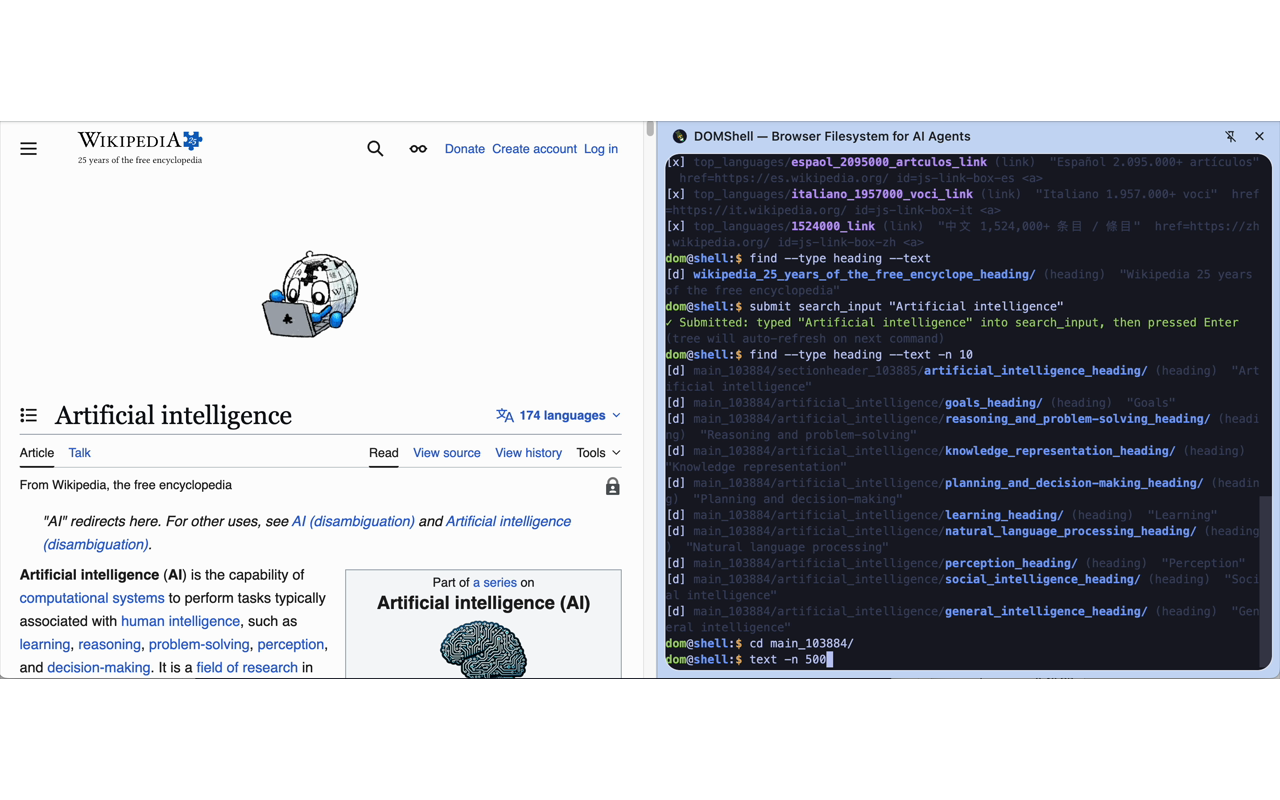
AI agent reading article content
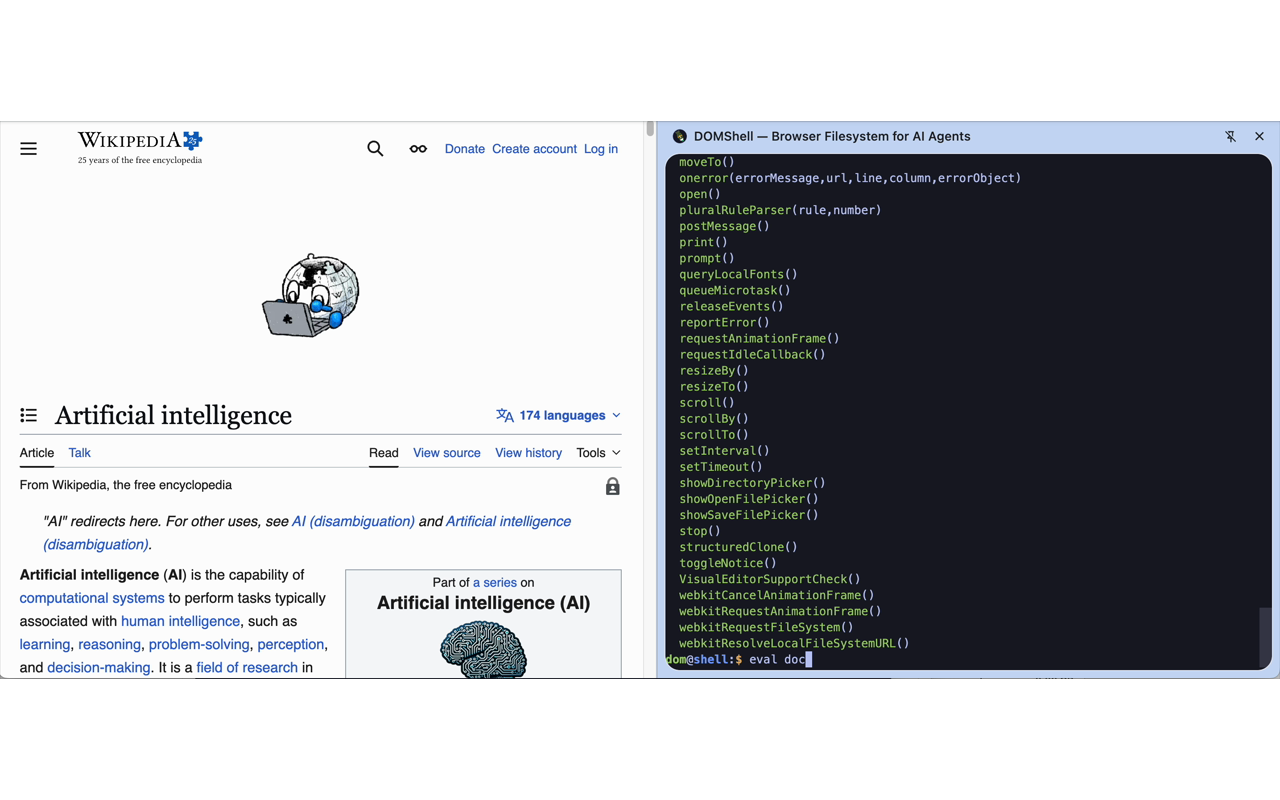
Extracting text with text
10 real-world web tasks comparing DOMShell (via MCP) against Claude's built-in browser tool. Lower is better.
Overall Tool Calls
27% fewer
Multi-Tab Tasks
44% fewer
Batch Operations (Task 6)
4x more efficient
All 6 multi-tab tasks hit the theoretical optimal number of tool calls with DOMShell.
Clone and build from GitHub. Chrome Web Store listing coming soon.
Add DOMShell to your MCP config:
// claude_desktop_config.json
{
"mcpServers": {
"domshell": {
"url": "http://localhost:3001/mcp"
}
}
}
Your AI agent can now browse the web with familiar commands.
$ ls /
google.com/ github.com/
Fractional CTO, CPO, and GTM leadership for AI & Data companies ready to scale.
Learn more about my services →